
Download Batch Audio Converter – Audio File Conversion Tool, Batch Processing, Secure, Format Support
Overview
Batch Audio Converter is a mobile application designed to simplify the process of converting audio files across multiple formats. Its primary purpose is to empower users with a fast, secure, and efficient way to transform audio content without the need for complex software or technical expertise. The app is particularly useful for individuals managing large music libraries, podcast creators, content producers, or anyone who frequently needs to adapt audio files for different platforms or devices. By supporting bulk conversion, it reduces the time and effort required to process multiple files individually, making it a practical utility in both personal and professional workflows.
The app is built with a strong emphasis on user privacy, ensuring that all audio processing occurs directly on the user’s device. This local processing model eliminates the risk of data exposure, making it a trusted tool for users who handle sensitive or private audio content. While specific details about the developer are not available, the app’s focus on security and usability suggests a developer committed to creating reliable, user-centered tools. Real-world use cases include preparing audio for uploading to social media, converting recordings for playback on older devices, or compressing files for easier storage and sharing.
Within the mobile app ecosystem, Batch Audio Converter fills a niche for lightweight, privacy-first audio utilities. Unlike many cloud-based converters, it avoids reliance on internet connectivity and third-party servers, positioning itself as a dependable offline solution. Its ability to handle various formats and support customizable settings enhances its value as a versatile tool for modern smartphone users.
Key Features & Functionality
- Bulk File Conversion: Users can select multiple audio files at once and convert them in a single operation. This feature is ideal for organizing music libraries or preparing audio content for distribution, saving significant time compared to individual conversions.
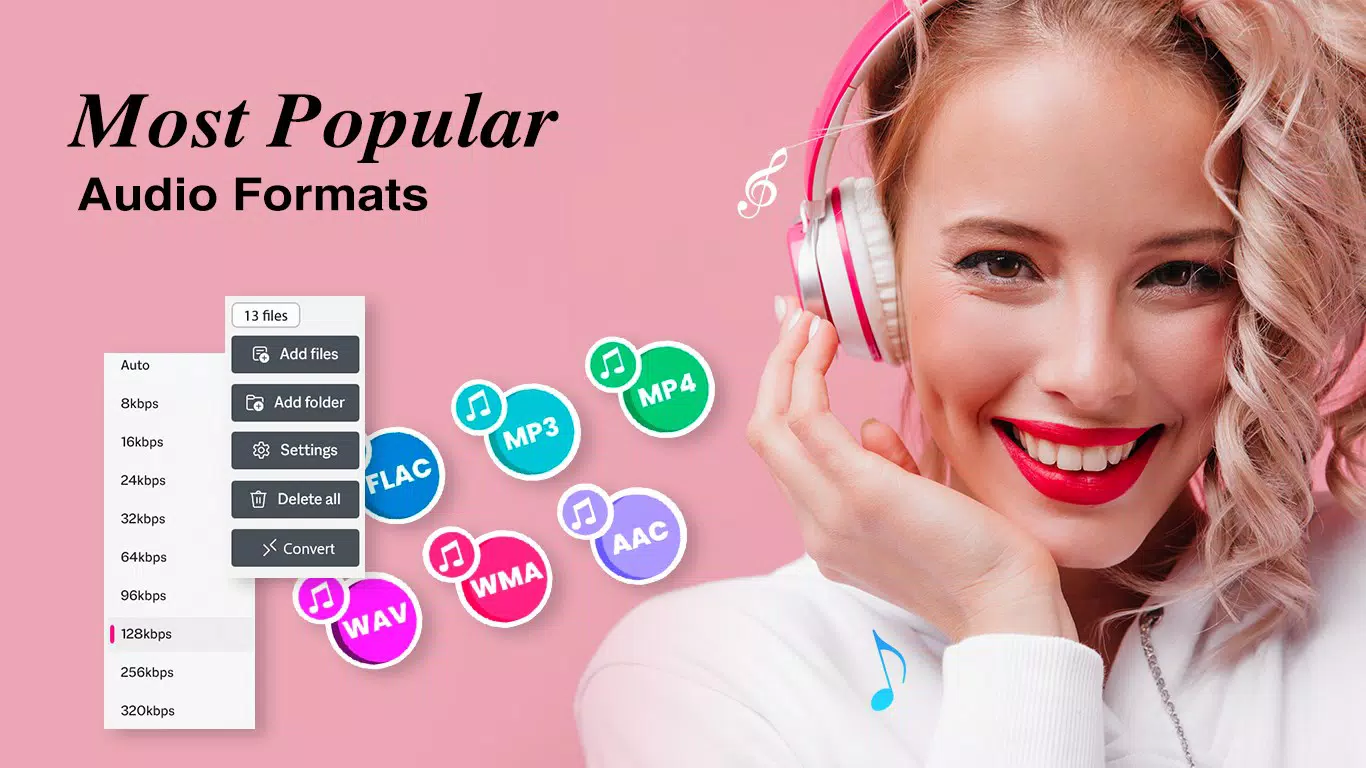
- Custom Bitrate Settings: The app allows users to adjust audio bitrate during conversion, enabling them to balance file size and sound quality. This is especially useful when optimizing files for mobile playback, streaming platforms, or storage-constrained environments.
- Privacy Focused Processing: All audio conversion takes place locally on the device. No files are transmitted to external servers, ensuring that personal or confidential audio remains secure and under user control.
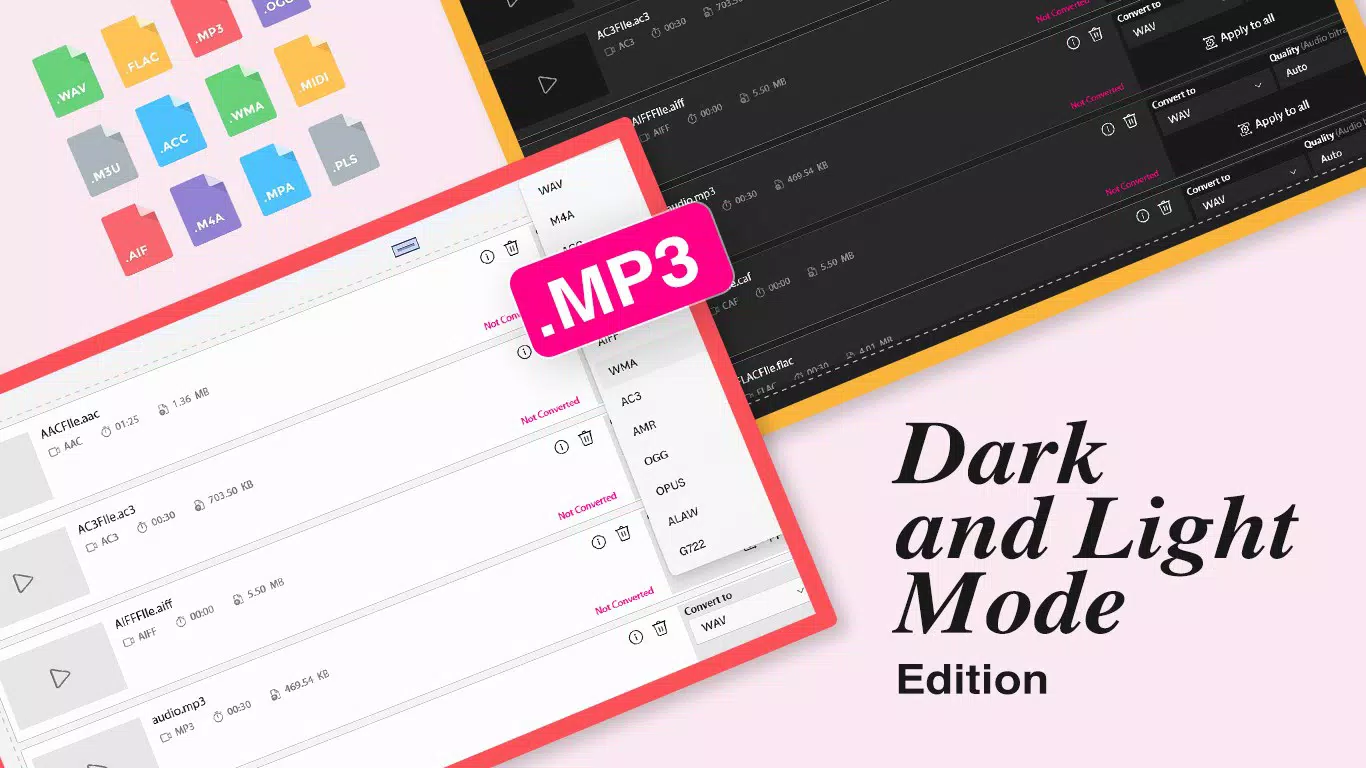
- Wide Format Support: Batch Audio Converter supports a variety of audio formats, including .wav, .mp3, .flac, and others. This broad compatibility ensures users can convert between formats without encountering compatibility barriers.
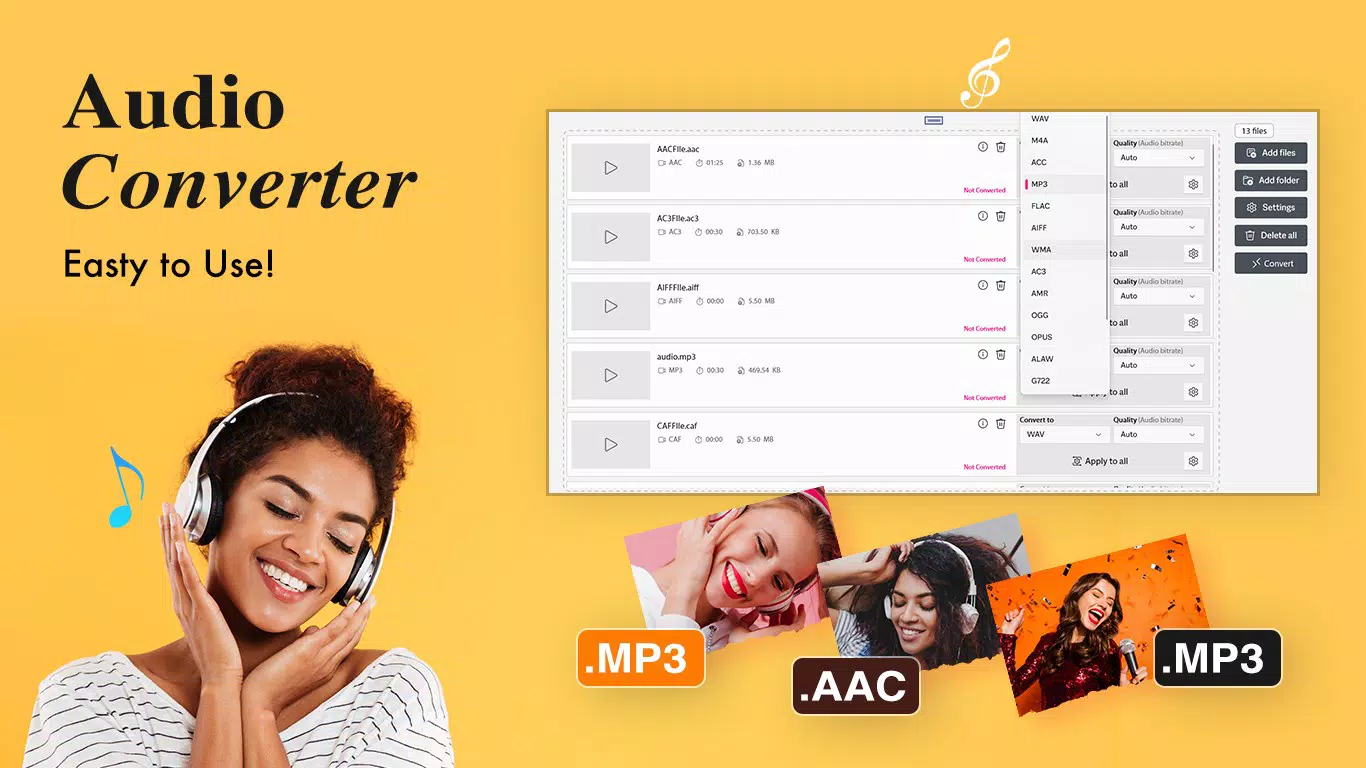
- User-Friendly Interface: The app features a clean, intuitive layout with straightforward navigation. Even users with minimal technical experience can quickly learn how to select files, set preferences, and initiate conversions with just a few taps.
For example, a podcaster could use the app to convert a series of high-quality .wav recordings into smaller .mp3 files for easier distribution. Similarly, a music enthusiast might convert an entire album from .flac to .mp3 for playback on a portable device. The flexibility and simplicity of these features make the app a practical tool for everyday audio management.
Interface, UX & Performance
The interface of Batch Audio Converter is designed with clarity and efficiency in mind. It presents a minimalistic layout that prioritizes core functions—file selection, format choice, and conversion settings—without overwhelming the user. Navigation is straightforward, with logical flow from file upload to conversion initiation. The app uses consistent visual cues and clear labeling, reducing the learning curve for new users.
Although the developer did not list formal performance metrics, the app’s ability to process multiple files simultaneously suggests optimized background handling. Users can expect smooth operation on modern smartphones, with responsive feedback during file selection and conversion. The app maintains stability during extended tasks, such as converting dozens of files, without noticeable lag or crashes.
Performance may vary slightly depending on device capabilities, particularly when handling large files or high-bitrate formats. However, since processing is done locally, the app’s performance is closely tied to the device’s CPU and RAM. The developer did not specify minimum OS requirements or hardware needs, so users should ensure their device can handle the file size and processing load. Overall, the app delivers a reliable and intuitive experience suitable for both casual and frequent users.
Platform Compatibility & Technical Requirements
Batch Audio Converter is available for Android devices, though specific OS version requirements were not disclosed. The app’s file size is approximately 15.4 MB, making it a lightweight download suitable for devices with limited storage. Users can install the app directly from official app stores or via APK if supported by their device.
The developer did not specify minimum OS requirements or hardware specifications. As such, compatibility with older Android versions or low-end devices cannot be confirmed. Users should verify their device’s compatibility before installation. The app is designed to function offline, meaning no internet connection is required for core conversion tasks.
Pros and Cons
Pros
- Supports bulk conversion of multiple audio files at once
- Offers customizable bitrate settings for optimal quality and size balance
- Processes all audio files locally, ensuring user privacy and data security
- Compatible with a wide range of audio formats including .mp3, .wav, .flac
- Intuitive interface suitable for users of all experience levels
Cons
- Specific OS version requirements were not listed
- Compatibility with older or low-end devices is unconfirmed
- Developer details and support channels were not provided
- No cloud sync or backup functionality available
- Updates or changelog information was not shared
FAQ
Is Batch Audio Converter safe to use?
Yes, the app is designed with privacy in mind. All audio processing occurs locally on your device, and no files are uploaded to external servers.
Can I convert multiple files at once?
Yes, the app supports batch conversion, allowing users to select and convert multiple audio files in a single operation.
What audio formats does the app support?
Batch Audio Converter supports a wide range of formats, including .mp3, .wav, .flac, and others. The exact list is not fully disclosed.
Do I need an internet connection to use the app?
No, the app functions entirely offline. All conversions are processed locally on your device.
How do I install Batch Audio Converter?
You can download and install the app from official app stores. APK installation may be possible depending on your device settings and region.
Final Thoughts
Batch Audio Converter stands out as a reliable, privacy-focused tool for anyone needing to convert audio files on their smartphone. Its ability to handle multiple files efficiently, combined with customizable settings and local processing, makes it a valuable addition to a mobile productivity toolkit. Whether you're a content creator, music lover, or simply managing audio files on the go, this app delivers a clean, secure, and effective solution. The user-friendly design ensures that even non-technical users can achieve professional results with minimal effort.
For those seeking a secure, offline audio conversion tool that respects privacy and offers flexibility in format and quality, Batch Audio Converter is a strong choice. It balances functionality with simplicity, offering a seamless experience without unnecessary complexity.
Download Batch Audio Converter now


